 CASE Framework
Participant Users
Manage participant user accounts in the system
Overview
The "Participant Users" tab in the "User Management" module provides tools to manage participant accounts. This includes the ability to delete multiple participant users at once.
Delete Users
The "Delete Users" feature allows you to remove multiple participant accounts from the system in a single operation.
This action permanently deletes the selected user accounts and all associated data. Make sure you have entered the correct email addresses before proceeding.
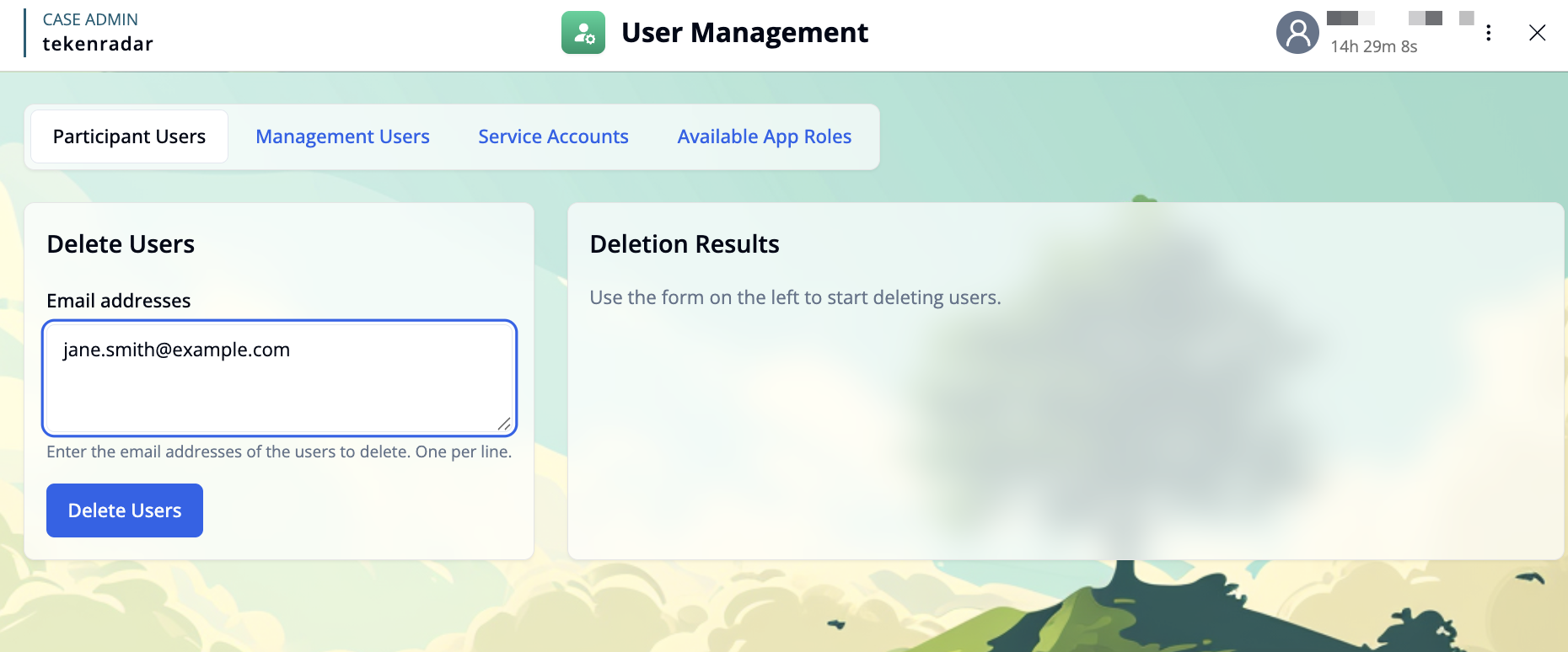
Enter email addresses: In the text area labeled "Email addresses", enter the email addresses of the users you want to delete. Add one email address per line.
Review your entries: Make sure the email addresses are correct, as this action cannot be undone.
Delete users: Click the Delete Users button to start the deletion process.
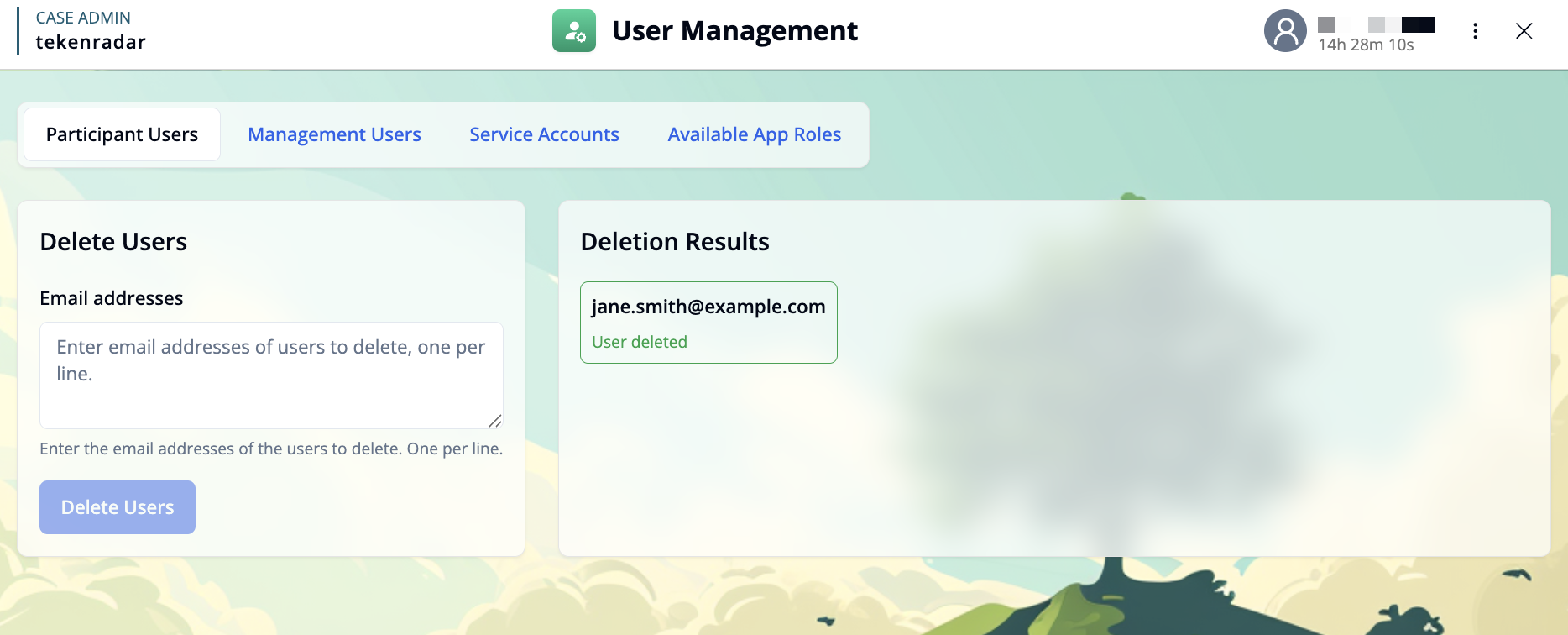
View results: The deletion results will appear in the "Deletion Results" panel on the right side of the screen, showing which users were successfully deleted and if any errors occurred.